The MEGACORE Audit module models client acceptance and continuance risk assessment, rotation tracking and multi-step approval governance to match how audit firms work. Integrated with CRM, quote and project modules — a customer can't be opened or a quote advanced until the risk form is complete.
Beyond standard customer management; a module that embeds independence, risk and rotation rules into the process. Designed with the regulated way audit firms work in mind.
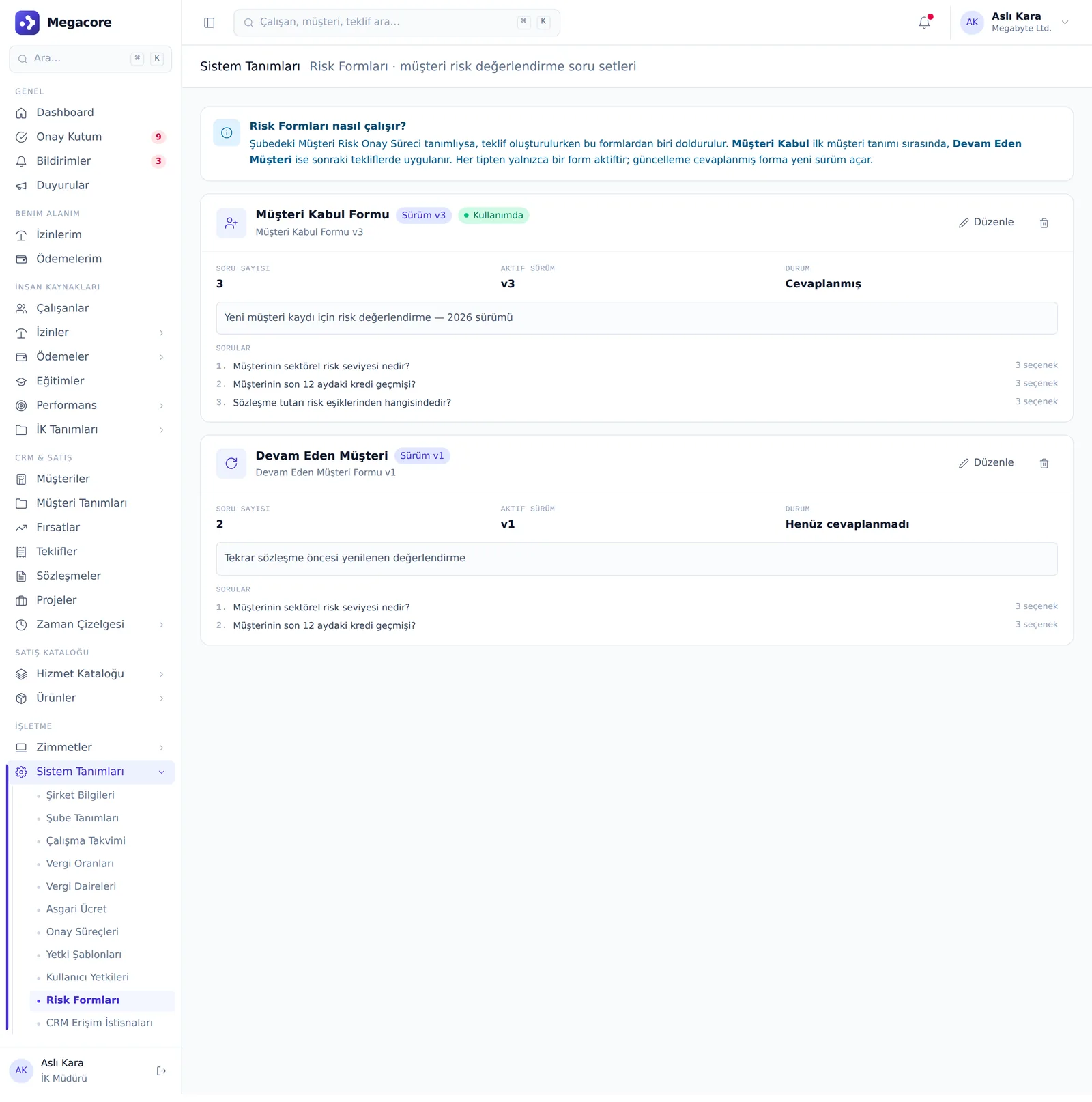
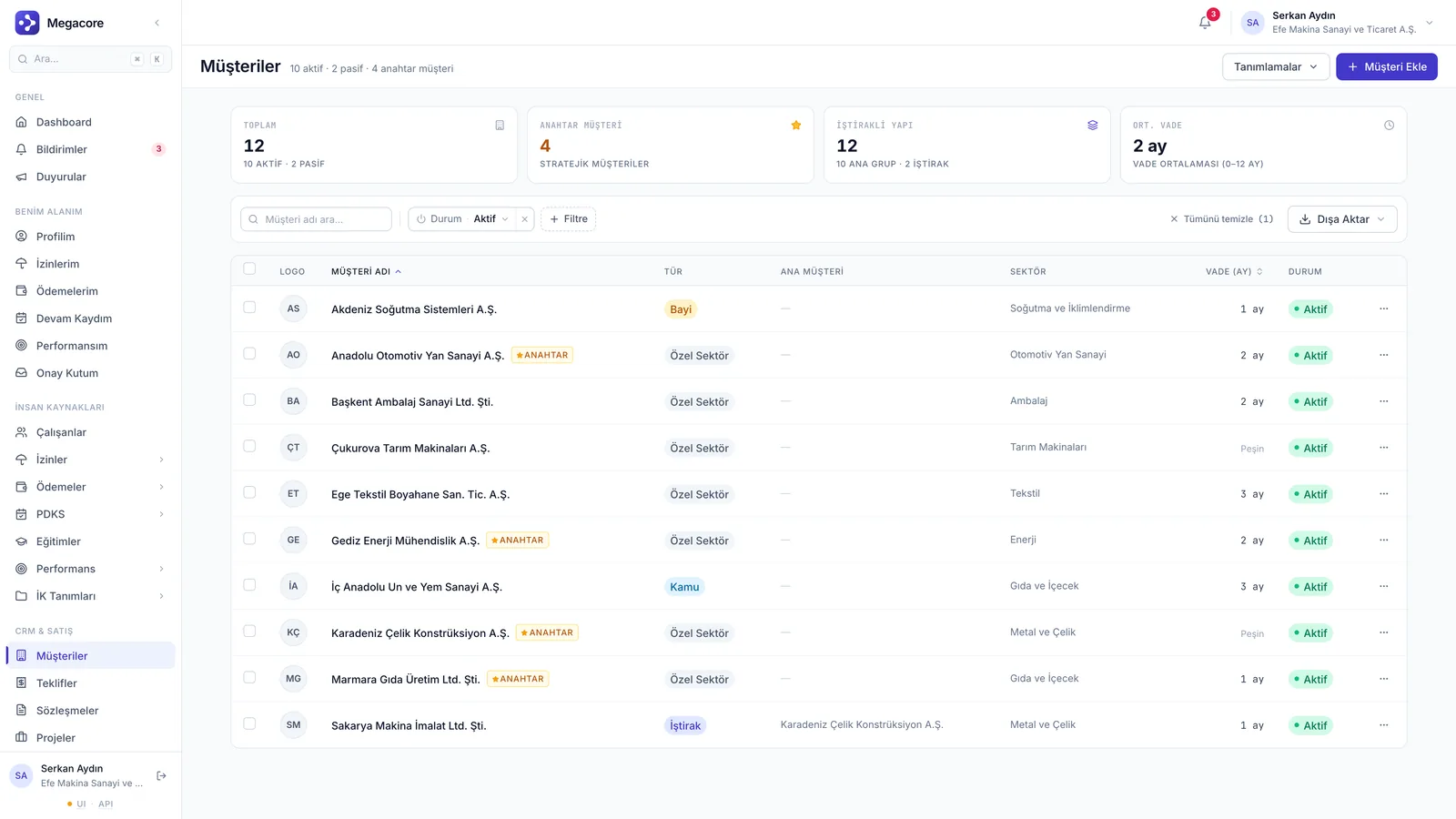
A risk survey is mandatory when adding a new customer — the customer and initial acceptance assessment are created in one operation (front-door gate).
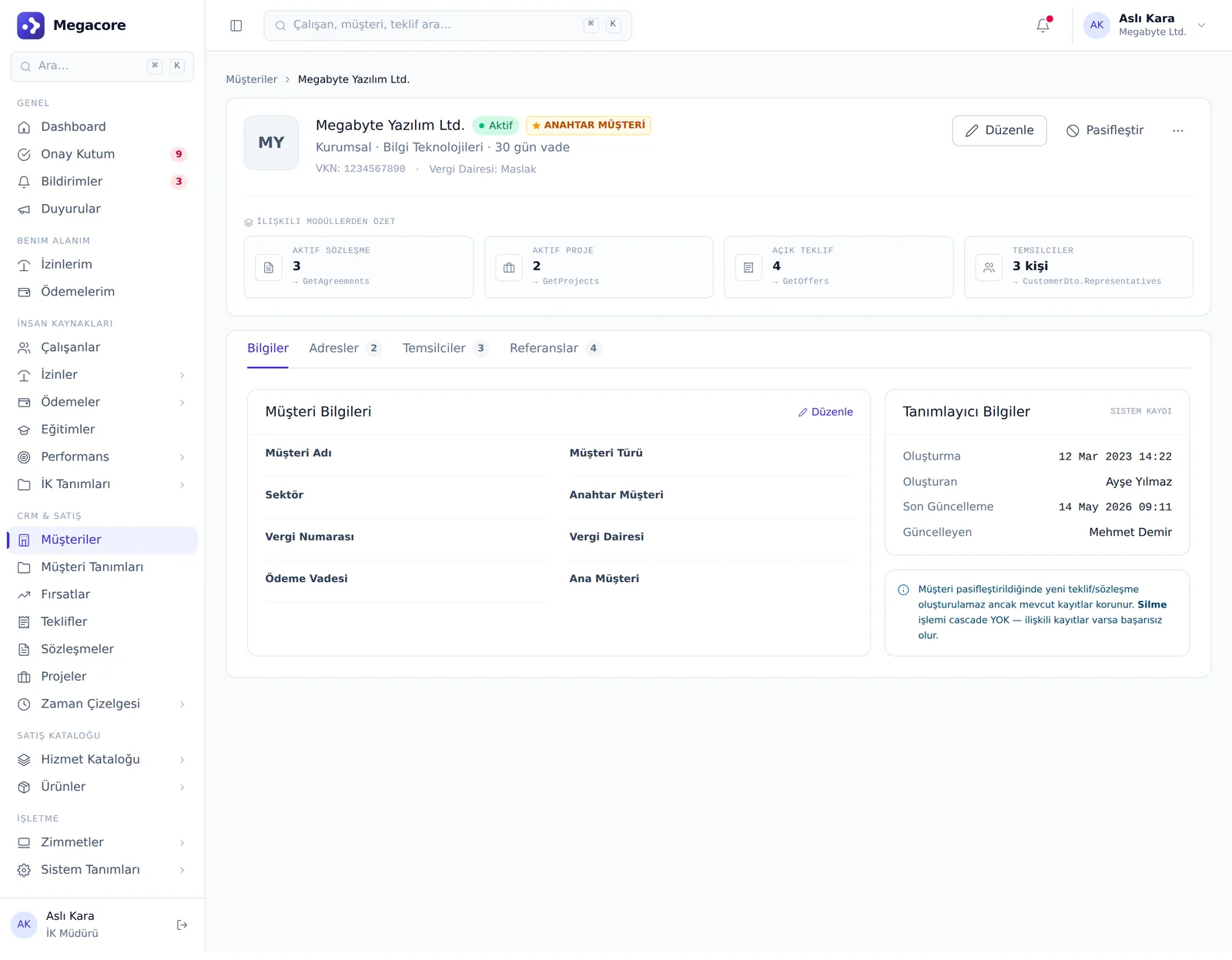
An annually valid continuance survey on the customer card's Risk tab; validity = fill date + 1 year, at customer level, independent of the contract.
Survey answers are weighted and turned into a risk level and recommendation; critical answers halt the process via knockout.
A multi-step approval flow that routes to the relevant approver by risk level; quote progress is tied to risk approval.
The rotation column in the service catalog is gated to audit mode; tracking firm rotation rules.
On the quote, risk is read-only and gated; the quote can't proceed until the risk assessment is complete.
When a prospect arrives, acceptance risk is assessed; if approved, the quote and agreement proceed subject to risk approval. Throughout the year, continuance assessment and rotation status stay live on the customer card.
In a tenant with the audit module enabled, a customer can't be created without the initial acceptance assessment.
For quotes subject to the risk process, the approval chain includes the relevant approver by risk level.
Firm rotation rules are tracked via the service catalog's rotation column.
In System Definitions → Risk Forms, set up acceptance and continuance templates, weights and knockout rules.
The acceptance survey is filled in the new-customer wizard; score and recommendation are calculated automatically.
The approver chain runs by risk level; critical answers halt the process.
Continuance assessment and rotation status are tracked year-round on the customer card's Risk tab.
Add, edit and detail screens. Click to enlarge.
Risk assessment form
Customer detail — risk tabConcrete use cases that map to your daily work.
A mandatory acceptance survey is filled at new-customer creation; score and recommendation are calculated automatically.
With knockout rules, certain answers automatically halt customer creation or the quote.
A continuance survey on the customer card's Risk tab; valid for 1 year from the fill date.
A multi-step approval flow that routes to the relevant approver based on risk level.
Monitor firm rotation status via the rotation column in the service catalog.
Experience acceptance, continuance, rotation and approval flows with your own customer portfolio.