7 DAYSOne-week free trial — no credit card, no setup.Get started now
Assets

Where each asset is and who holds it — clear

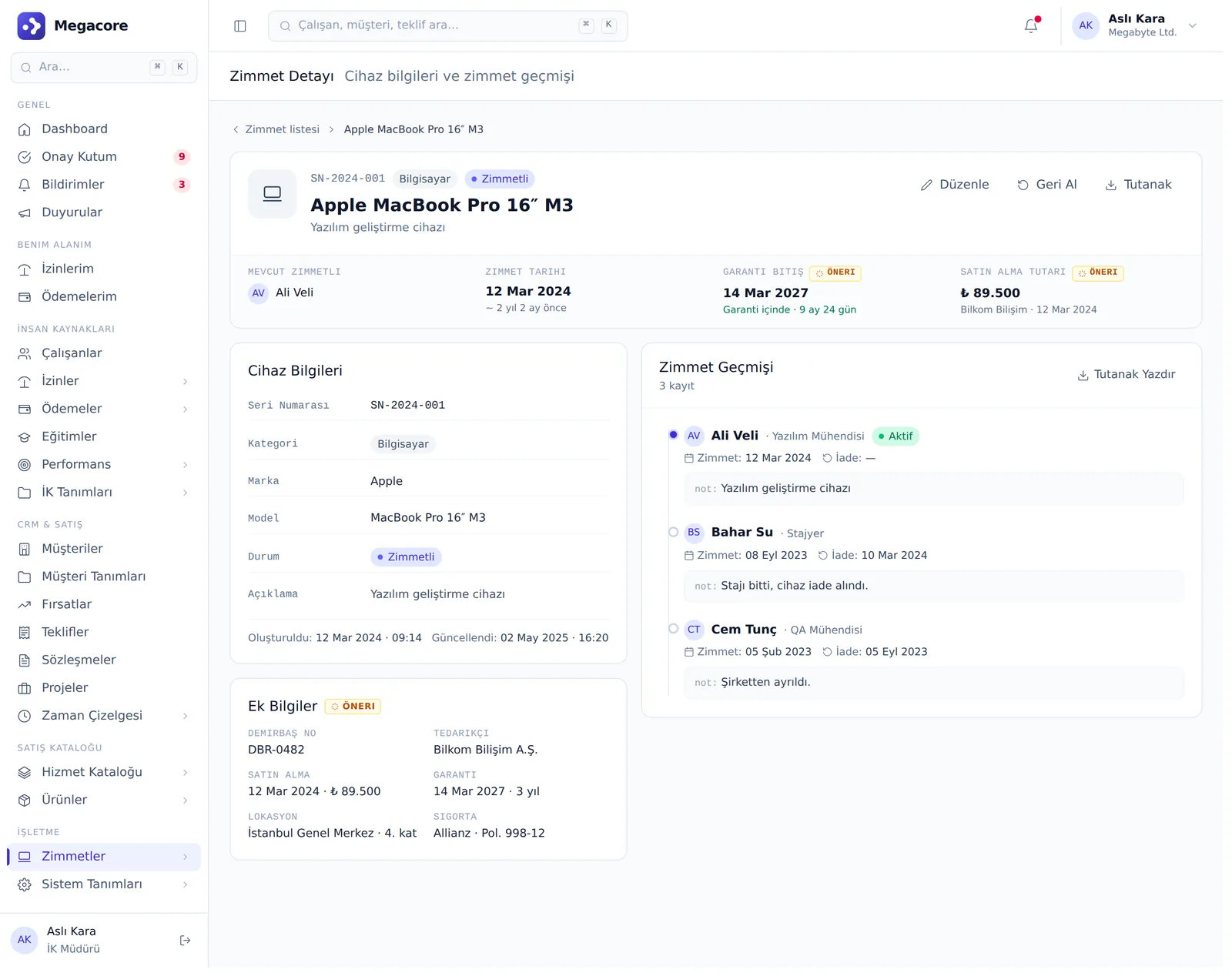
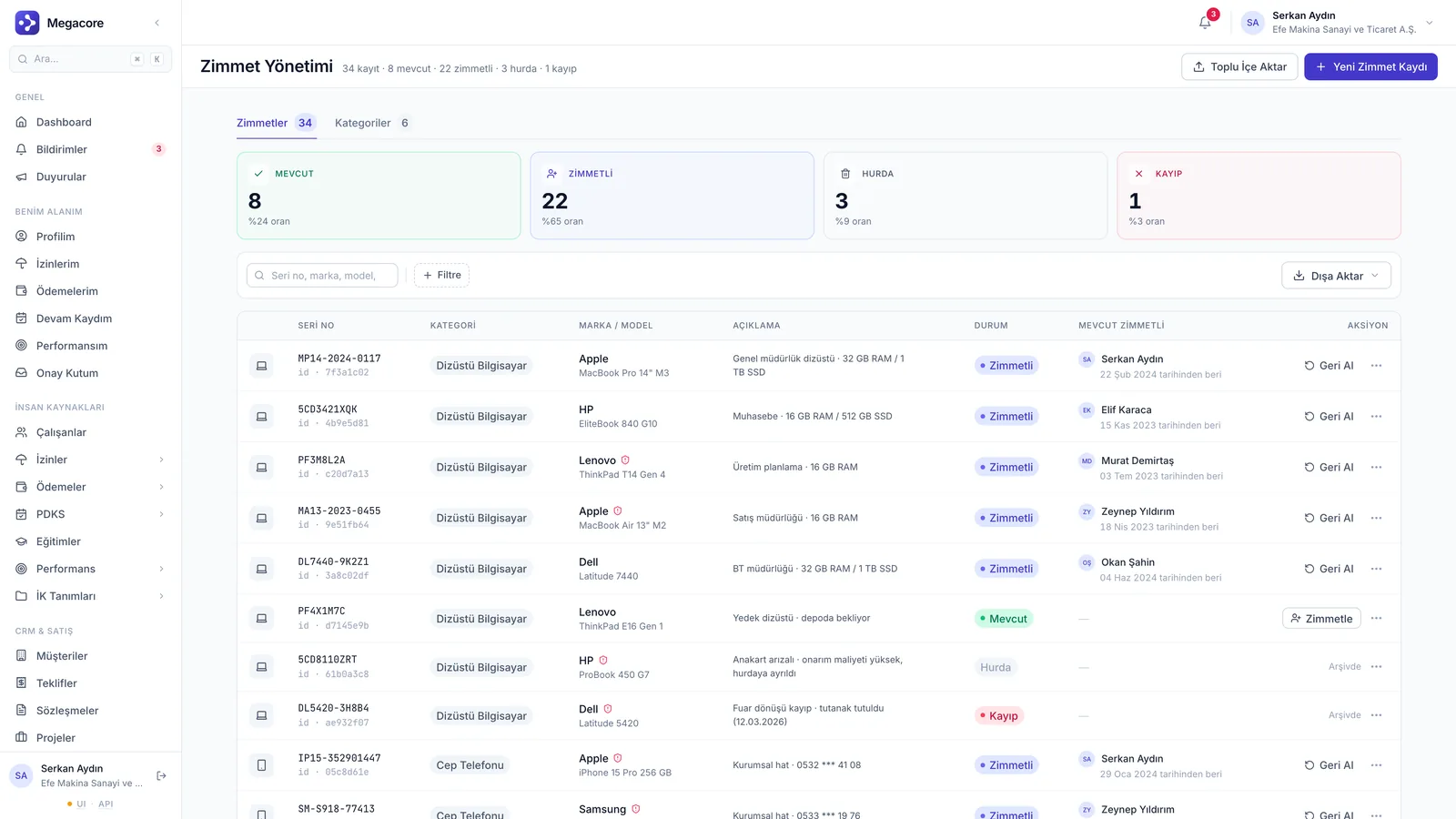
From laptops to vehicles, every asset's category, status and assignment history in one list. The device-based assignment timeline instantly answers 'who was this device assigned to before?'.

Inventory
Categorized
History
Timeline
Status
5 stages
app.megacore.com.tr/assets
Zimmet listesi ekranı
Assigned
142 devices
History
Tracked
Talent

What do Assets do?

Asset inventory

Categorized asset list, status counters and server-side filtering.

Categories

Category-based grouping; categories in use can't be deleted (protection).

Asset history

Device-based assignment timeline: to whom, when, in what status.

Employee-based view

All assets held by an employee on one card.

Status management

Active, assigned, available, retired, lost status flow.

Detail page

Full detail and history for each asset.

How it works

The process in four steps

1

Create category

Define asset categories.

2

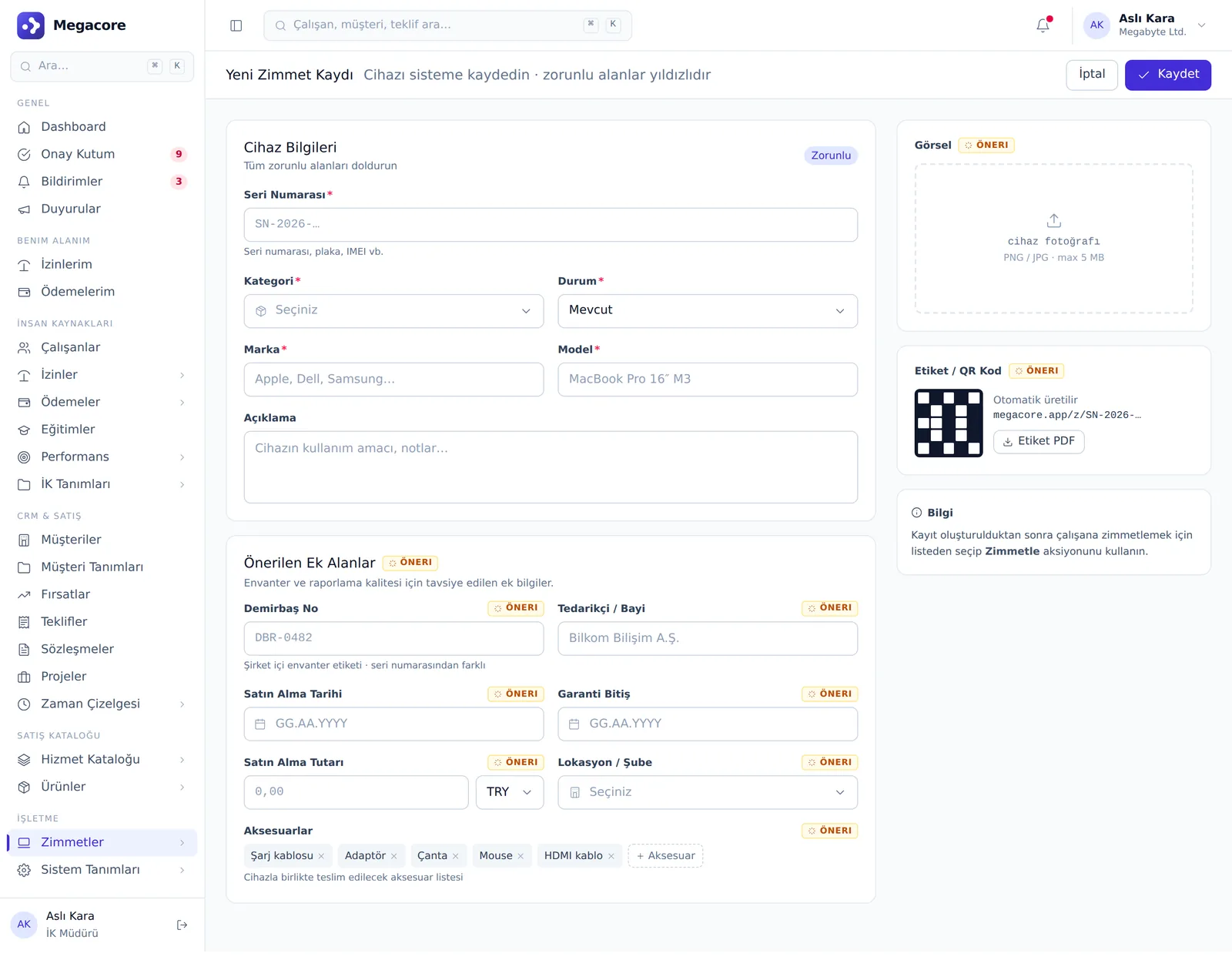
Add asset

Enter devices and assets into the inventory.

3

Assign

Assign to an employee; history is recorded automatically.

4

Track

Track status and assignment history on a timeline.

Detail & action screens

Not just lists — work in detail

Add, edit and detail screens. Click to enlarge.

What you can do

What do you do with Assets in practice?

Concrete use cases that map to your daily work.

01

Build an asset inventory

Keep a categorized asset list from laptops to vehicles and monitor with status counters.

02

See device history

Instantly answer 'who was this device assigned to before?' on the assignment timeline.

03

Employee-based asset tracking

View all assets held by an employee on a single card.

04

Manage the status flow

Asset lifecycle with active, assigned, available, retired and lost statuses.

Linked modules

Powerful alone, seamless together

Assets shares the same data model with the modules below and transfers information automatically.

Frequently Asked Questions

FAQ

Can I see a device's full assignment history?
Yes. The device-based timeline shows chronologically who it was assigned to, when and in what status.
Can a category in use be deleted?
No. Categories tied to assets are protected and can't be deleted by mistake.
Is Assets linked to HR?
Yes. Assets are linked to employee records; you can see an employee's assets from their card.

See the Assets module in your own processes

Try the module free for 7 days with your own data.