7 DAYSOne-week free trial — no credit card, no setup.Get started now
Warehouse & Stock

Which product, which warehouse, how much — clear

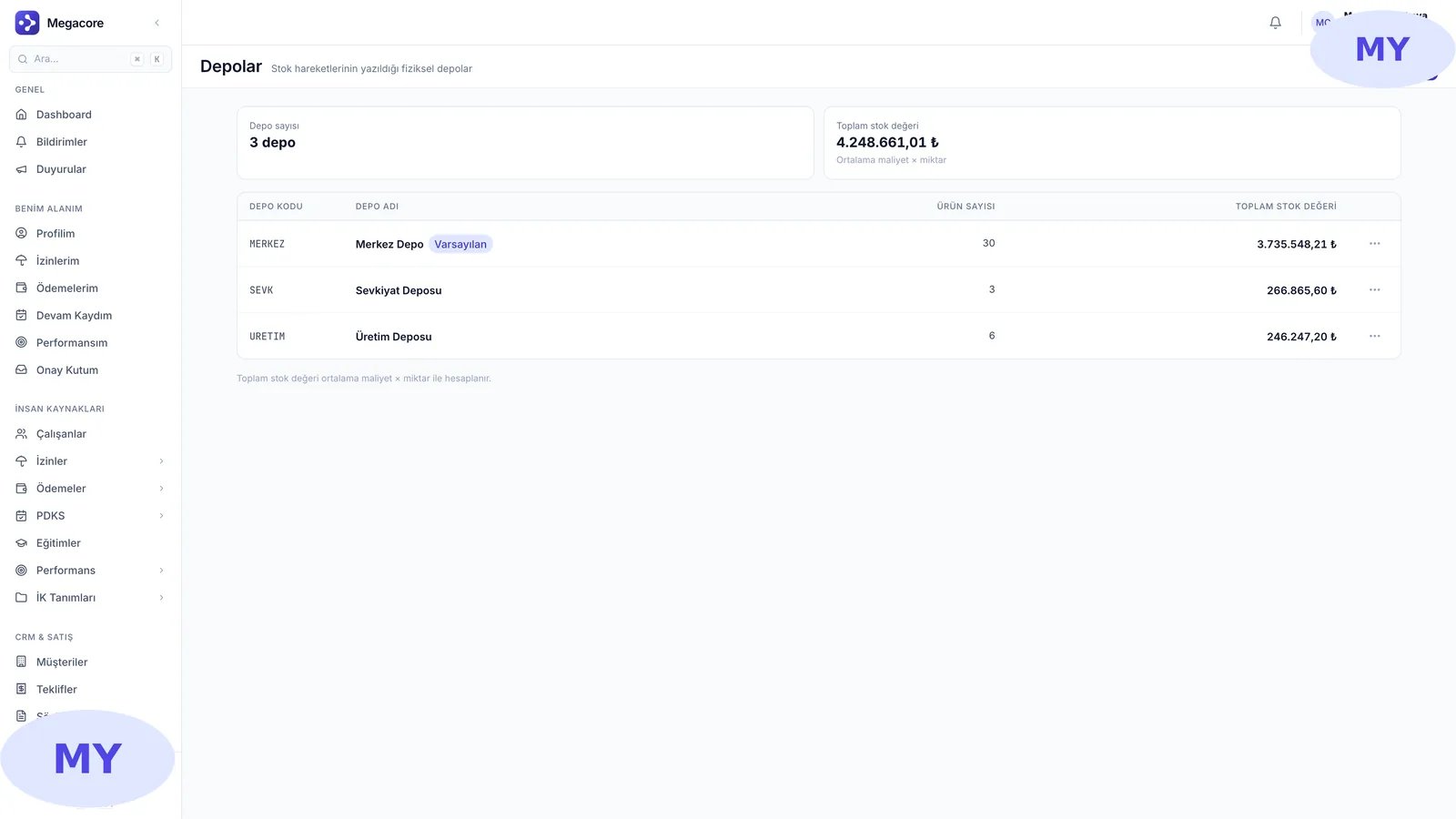
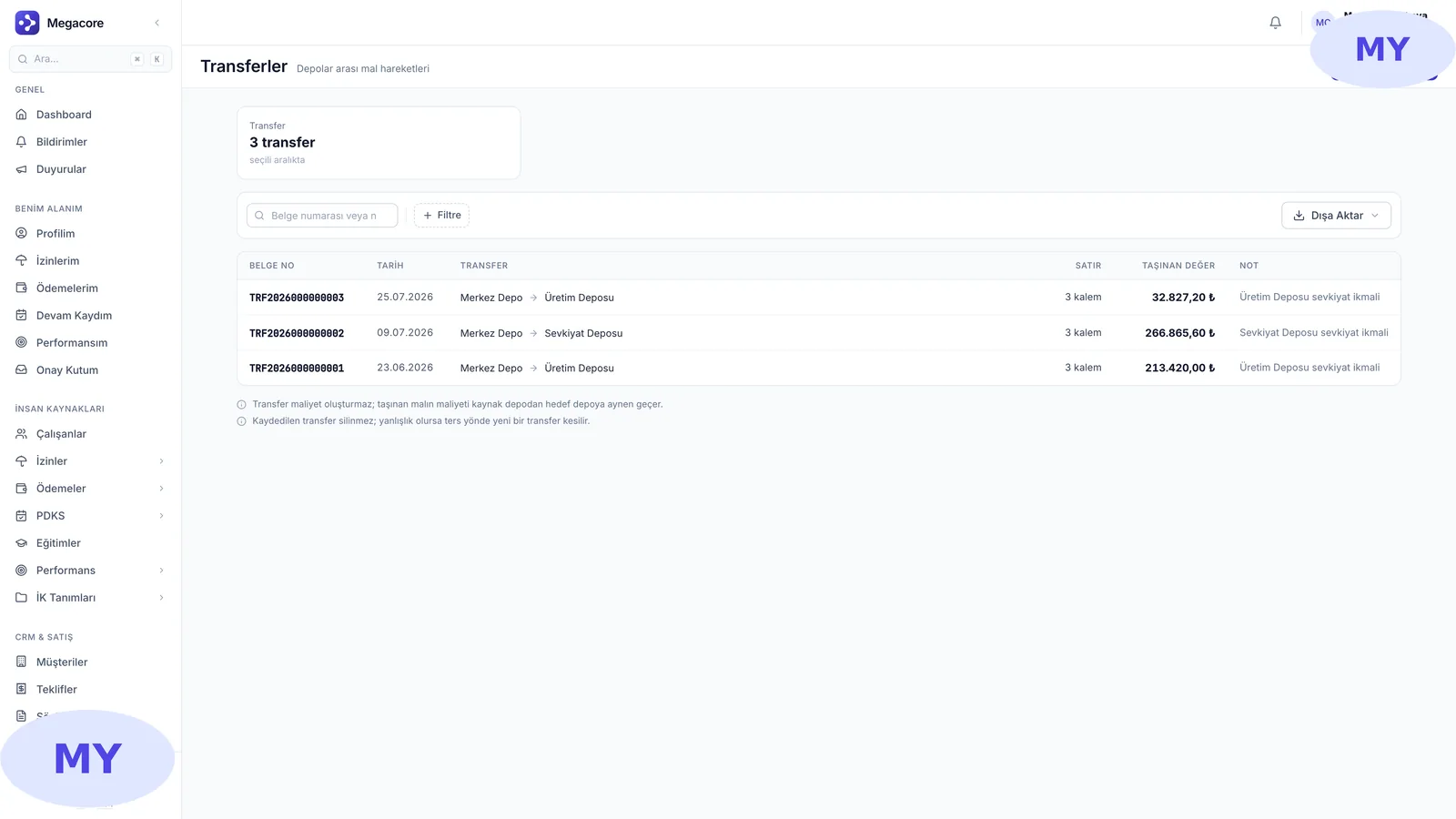
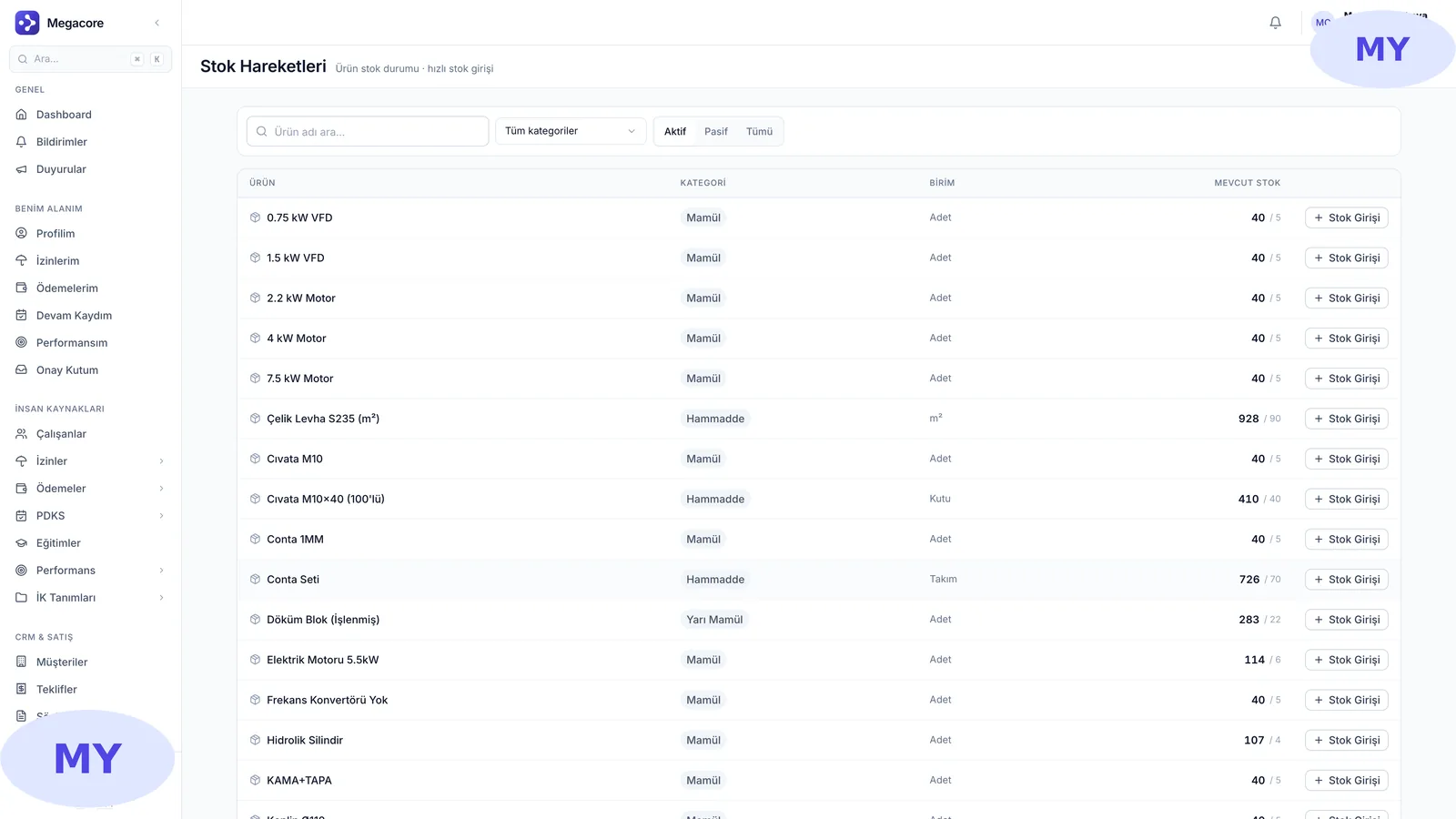
Multi-warehouse, per-warehouse stock, goods receipt, inter-warehouse transfers and stock counts in one module. Every stock movement is written to a warehouse; 'how much is where' is answered instantly.

Multi-warehouse
Unlimited locations
Goods receipt
From intake to record
Transfer
Between warehouses
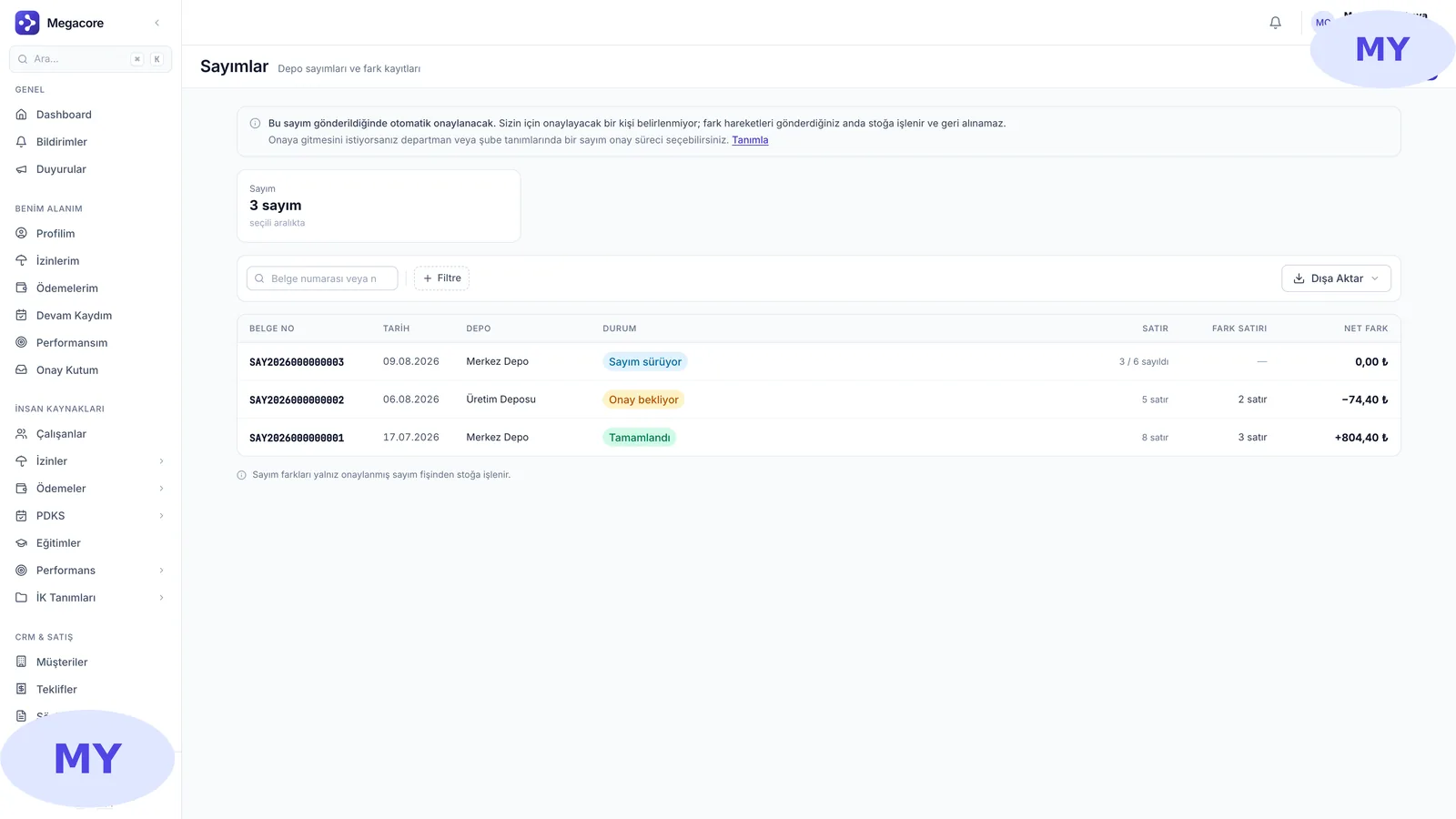
Count
Variance tracking
app.megacore.com.tr/warehouses
Per-warehouse stock screen
Warehouse
Multiple
Movement
Tracked
What it does

What does Warehouse & Stock do?

The Warehouse & Stock module manages your physical warehouses and their stock movements in one place. From goods receipt to counting, from inter-warehouse transfers to critical stock alerts, it covers the entire inventory process. Every movement is tied to a warehouse, so stock value and quantity are always traceable.

Real screens

See the module in the live interface

Click an image to enlarge and browse.

The process in four steps

1

Define warehouses

Create your physical warehouses with address and default settings.

2

Receive goods

Take incoming goods into stock with a receipt; link them to orders.

3

Transfer & count

Move goods between warehouses, catch variances with periodic counts.

4

Track stock

See which product is where and how much on the per-warehouse stock screen.

What you do with Warehouse & Stock in practice

01

Per-warehouse stock

See how much of each product is in which warehouse, filtering out zero-balance lines.

02

Goods receipt

Receive incoming goods into stock with supplier and order links.

03

Inter-warehouse transfer

Move goods between warehouses, track transferred value and quantity.

04

Count & variance

Open periodic counts, send counted lines for approval, verify variances.

Strong alone, seamless together

This module works standalone, but reaches full power connected to MEGACORE's other modules.

Frequently asked questions

Frequently asked

How many warehouses can I define?
Unlimited. Each warehouse has its own address and defaults; a deactivated warehouse accepts no new movements.
When is stock updated?
On every goods receipt, transfer and count approval, the warehouse balance updates instantly.
How do I manage count variances?
Start a count, count the items, flag variance lines and send for approval. An approved count corrects the stock balance.
Is it linked to Purchasing?
Yes. A goods receipt from a purchase order writes directly to warehouse stock; the two modules work in one flow.

See the Warehouse & Stock module in your own processes

Request a free demo, explore it live with your own data.

Request a free demo →